Designers vs AI
Ask an AI for ten homepage variants and you get ten correct pages. None of them is yours. On what a designer does in 2026 and why taste matters more than speed.
Every few months the same question comes back: will AI replace designers? From clients we hear it phrased differently: "can't we make the site with AI, cheaper?" The short answer: part of it, yes. The part that matters, not yet.
What AI does well
Speed. Ask it for ten homepage variants and you have them in two minutes. It proposes a colour palette, a type scale, copy for every section. It doesn't get tired and doesn't get upset when you say you don't like it. We use it too, for quick variants and for the repetitive work.
What it doesn't do
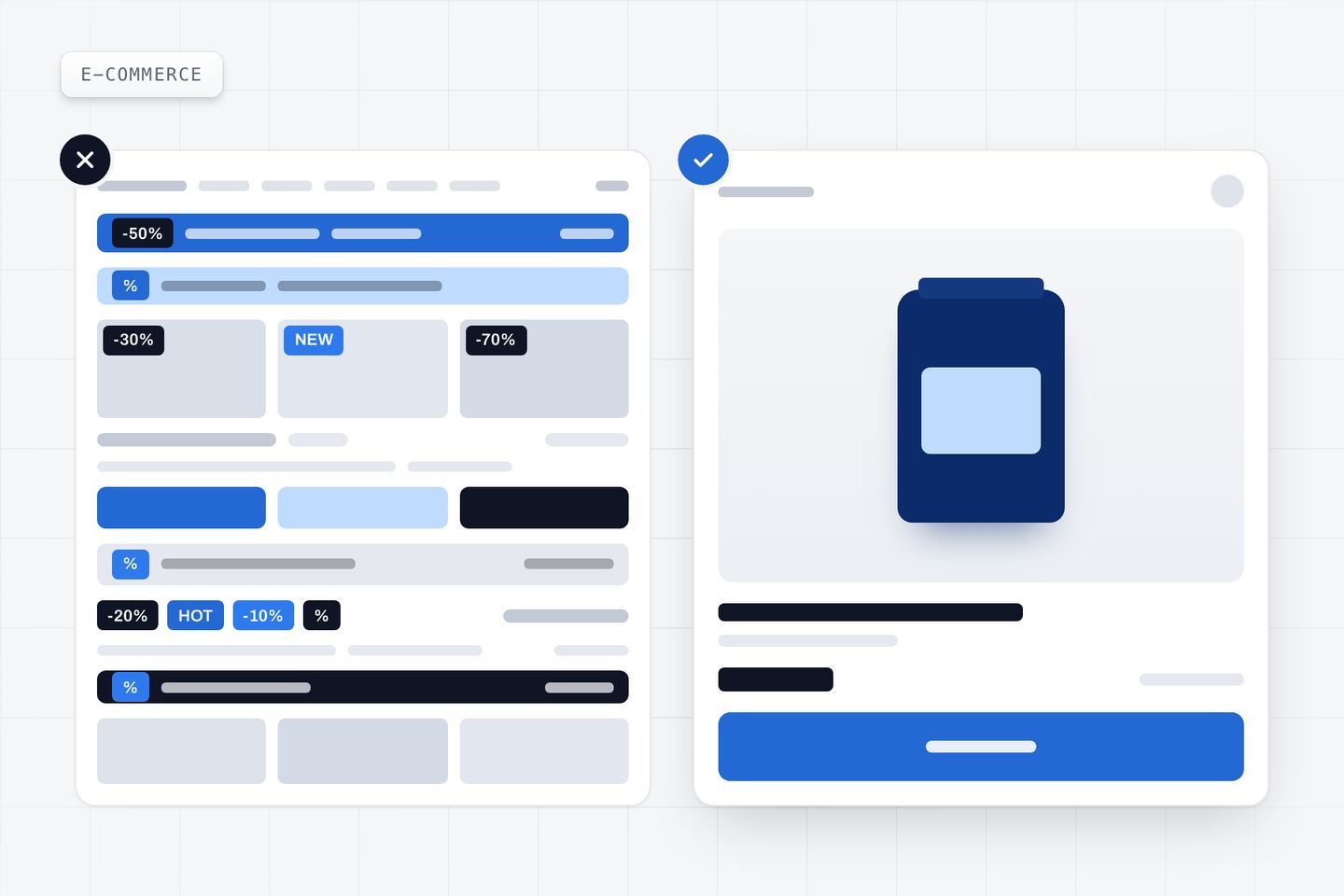
The ten variants have a problem: all of them are correct and none of them is yours. The AI doesn't know your customers are architects ordering from an iPad, doesn't know your product sells on smell, not on specifications, doesn't know the old logo has a story you don't want to lose. It takes the average of everything it has seen, and the average looks like nobody.
The missing friction
Before, a blank page forced you to decide: what stays, what goes, why. With AI, the blank page disappears and a hundred options appear. It sounds good, but the decision hasn't gone away; it has moved. Now the work is to choose, to cut and to say "no" ninety-nine times. For that you need taste, and taste can't be downloaded. It's built over years, from delivered projects, mistakes and clients who told you what doesn't work.
What's left for people
Design was never about pixels. It was about understanding who you're making the thing for, and choosing. AI can imitate a style; it can't understand a client. It can generate form; it can't decide what "good" means for your store.
For us, the better question is a different one: what do we do with the time we gained. We give it back to the client, in conversations, considered variants and details we otherwise never got to.
Keep reading...